To render a vst instrument or effect in Reaper frees up your CPU resources.
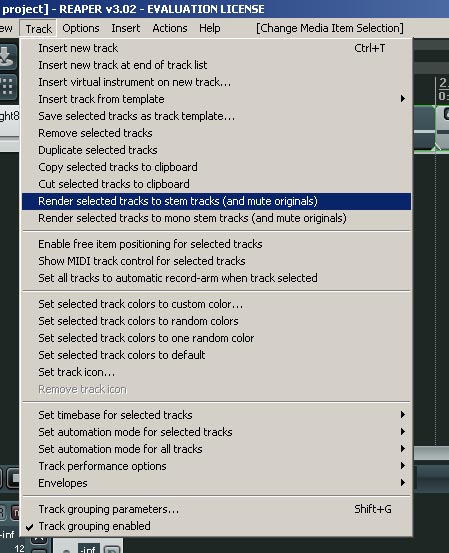
Reaper: Render Stereo Stem
To render or ‘freeze’ your track: choose TRACK and you will see two render options
The above picture shows the ‘Stereo’ stem render option.
The above picture shows the ‘Mono’ stem render option.
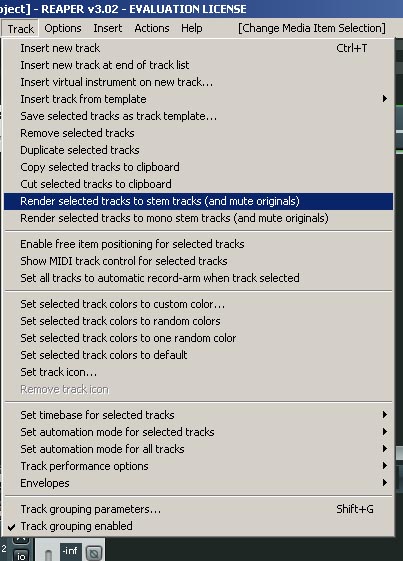
Reaper: Render Audio
Sometimes too many VST’s can clog up your PC/Laptop this usually manifests itself in spluttering audio and audio dropouts – freezing or rendering these tracks to audio helps relieve your processor and increase your options.
Tip: Make a backup of your file before you do anything drastic – make a new copy of your song as well and rename it.
The way I usually do this is like so,
1. Original File = song.rpp
2. Backup File = song_backup.rpp
3. Rendered File = song_render.rpp
This may seem excessive but get yourself into the practice of backing up everything,
believe me if you don’t one day you’ll wish you had…