Editing Reaper – Split a track
In Reaper at some point while editing a project, we will need to split a track.
Splitting a track in Reaper is pretty simple.
Works for Midi and Audio.
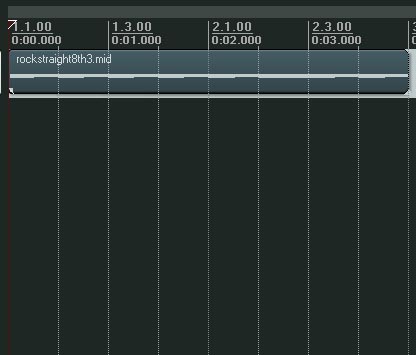
Editing Reaper: Splitting a track.
Find the place you want to split the track, use the mouse to select the area on the work area and press ‘S’
This will then split the track as below.
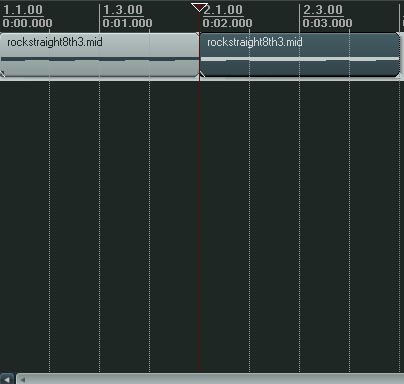
Editing Reaper: Splitting a track
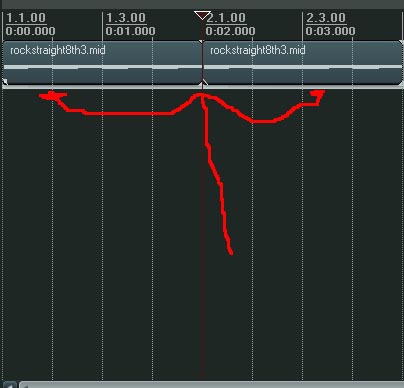
Editing Reaper: Fixing a track – Select.
If you want to fix the track or connect or ‘Glue’ parts together.
Select the two areas you want to glue together and press ‘G’
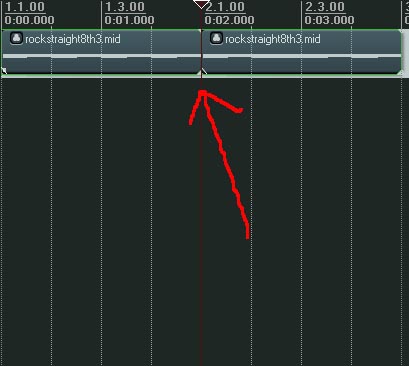
Editing Reaper: Fixing a track – glue it together.